Tall Ships coming to NYC and Boston in July

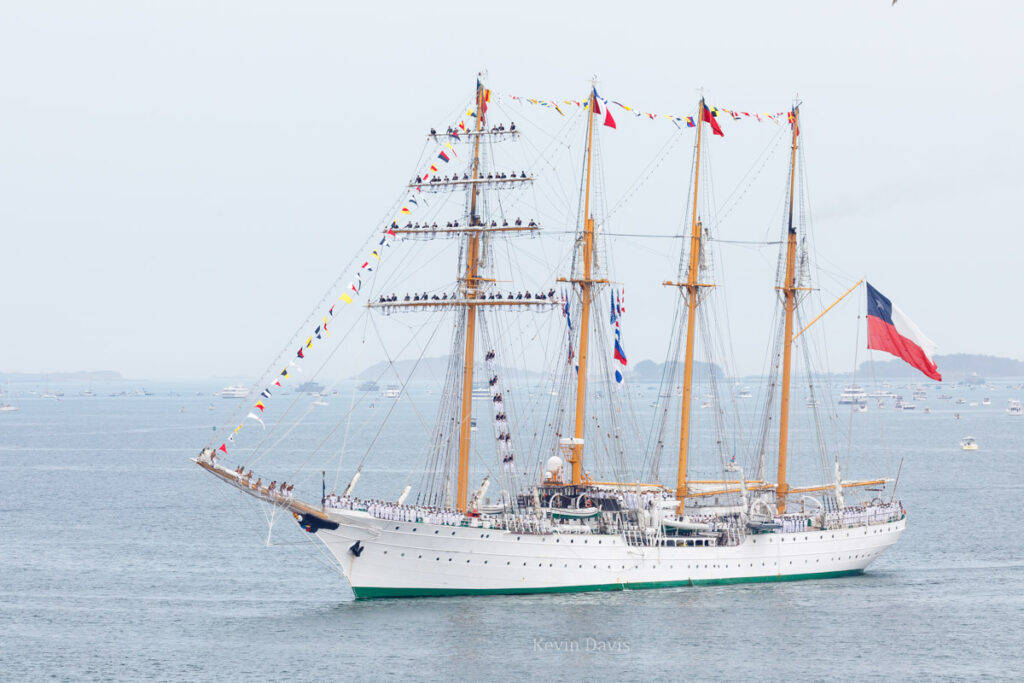
Tall ship Esmerelda (from Chile) during the parade of sail at Boston, 2017
Tall ship Esmerelda (from Chile)

The parade of sail at Boston in 2017 was spectacular and I’m very much looking forward to the upcoming 2026 events, coinciding with the USA 250th anniversary.

NYC / July 3: Parade of Sail – class B ships
NYC / July 4: Parade of Sail – class A ships (30 ships)
BOS / July 11: Parade of Sail (60 total, 28 class A)

What is class A and class B?
Class A: square rigging OR overall length greater than 40 meters (131 ft)
Class B: traditional rigging AND overall length less than 40 m AND water line at least 9 m (30 ft)
Class C & D have length less than 40 m

Some ships will participate in both parades, for example USCG Eagle. Some will not; for example, I believe Virginia (Bath ME) will participate at Boston, not NYC.

July 9, class A Tall Ships travel from NYC to Boston. Some may travel through the Cape Cod Canal, while others travel around Cape Cod.
In Boston, the 2026 event will exceed the 2017 event, which included 56 ships.

New York City

The July 3 parade route passes through the East River (Manhattan to the east and Brooklyn & Queens to the west).
The July 4 parade route travels under the Verrazzano-Narrows Bridge, past the Statue of Liberty, and up the Hudson River to the George Washington Bridge.
https://sail4th.org/schedule

If you want a photo of the tallships with the Statue of Liberty in background, you probably want to be at Governor’s Island.
However, access to Governors Island will be unusually managed. Normal ferry to the island is $10 round trip but that is suspended on July 4.
For the July 4 parade of sail, tickets to Governors Island are currently selling at $200 per person.

>> https://www.vibenyctours.com/post/sail4th-250-how-to-see-the-tall-ships-without-the-battery-park-brawl

July 4 viewing locations in Hoboken: Pier A Park, Elysian Park, Steven Park, Maxwell Place Park, Sinatra Park
July 4 viewing locations in Jersey City: Exchange Place, Liberty State Park

Boston (July 11)

Here’s a link to a map of the parade route. Public viewing areas are shown in green; Red is where ships will be berthed.
>> https://www.sailboston.com/map/

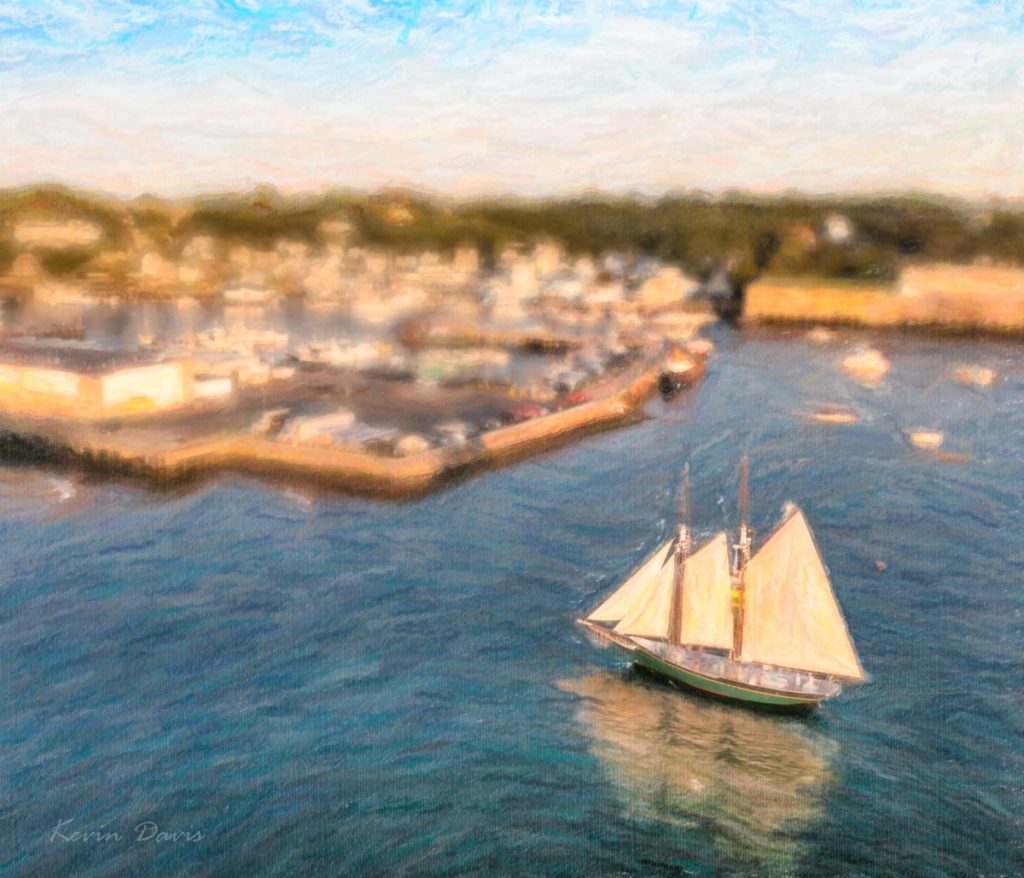
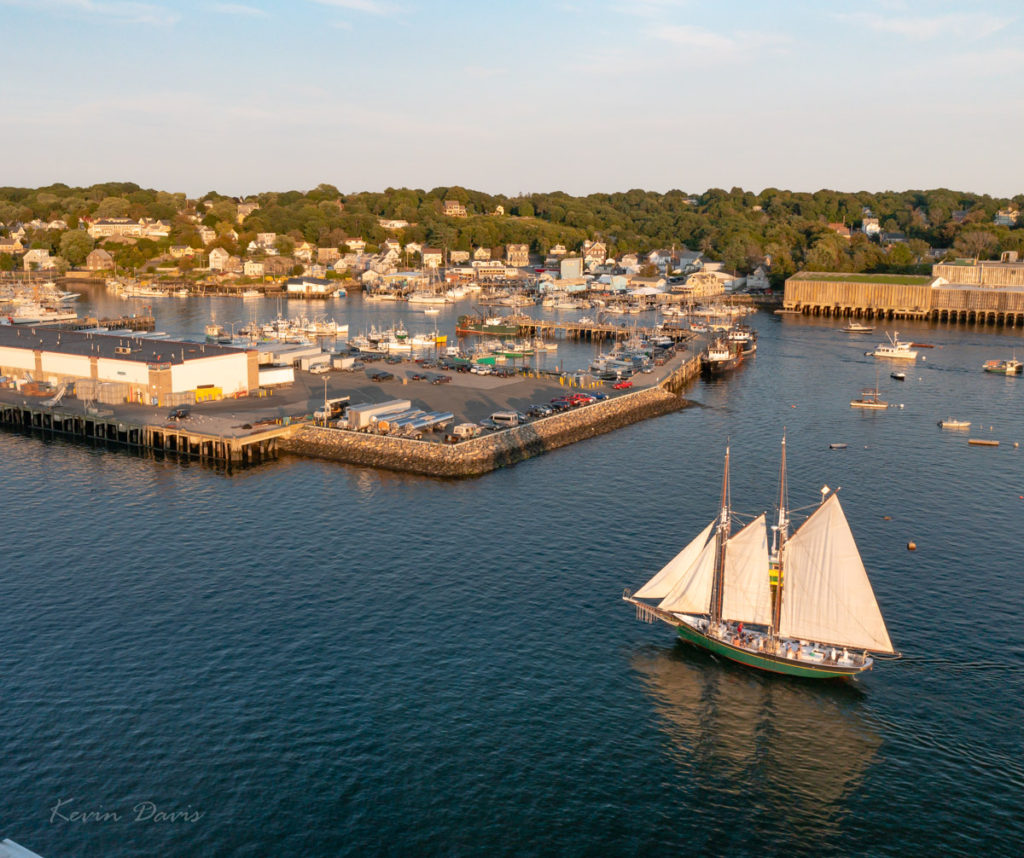
Schooner at Gloucester Harbor

In addition to visiting Gloucester this weekend, I also ported all my photography and tools to a new computer. As I imported new images from a camera drone, I took the new computer on a test drive to verify that my tools were all in good order.

This scene had both very bright highlights and very dark shadows; I doubted that a single exposure could contain both the highlights and shadows. As you likely know, such situations are known as high dynamic range (HDR). I captured a bracket of three exposures. In retrospect, it was a wise choice. The middle exposure was spot on, however the foreground was nearly black and some background highlights were blown out – white boats and white buildings. The darker exposure provided correction for the blown-out highlights. The lightest exposure was used to replace the black foreground water with dark-blue water.

Initially, I processed each of the three in Lightroom and then combined them together using Photoshop. From Lightroom, open the three images using “Edit In” -> “Open As Layers In Photoshop”. Once opened in Photoshop, select all three layers and choose “Edit” -> “Auto-Align layers”. Here, there are six Projection options; I chose “Reposition” because the three images were identical composition that varied only by exposure.

A selection of the highlights was applied as a layer mask on the darkest layer, such that only the highlights are used from that layer. A selection of the foreground dark water was applied as a layer mask to the brightest layer such that the foreground is lightened. The resulting image is shown here on the right.

From there, I applied three image filters by Alien Skin. First was Bokeh, to blur the image – except for the schooner. Then I used two different variations of Snap-Art. All this was done through Photoshop. Upon saving all of this (TIFF file), I was back in Lightroom. Judicious use of brightness, clarity, and color saturation enhanced the simulated brush strokes. The end result is shown here on the left.